
Personal access for every renter
No shared code that past renters still remember. Each renter gets their own access, and removing it takes a moment when the lease ends or a payment is overdue.
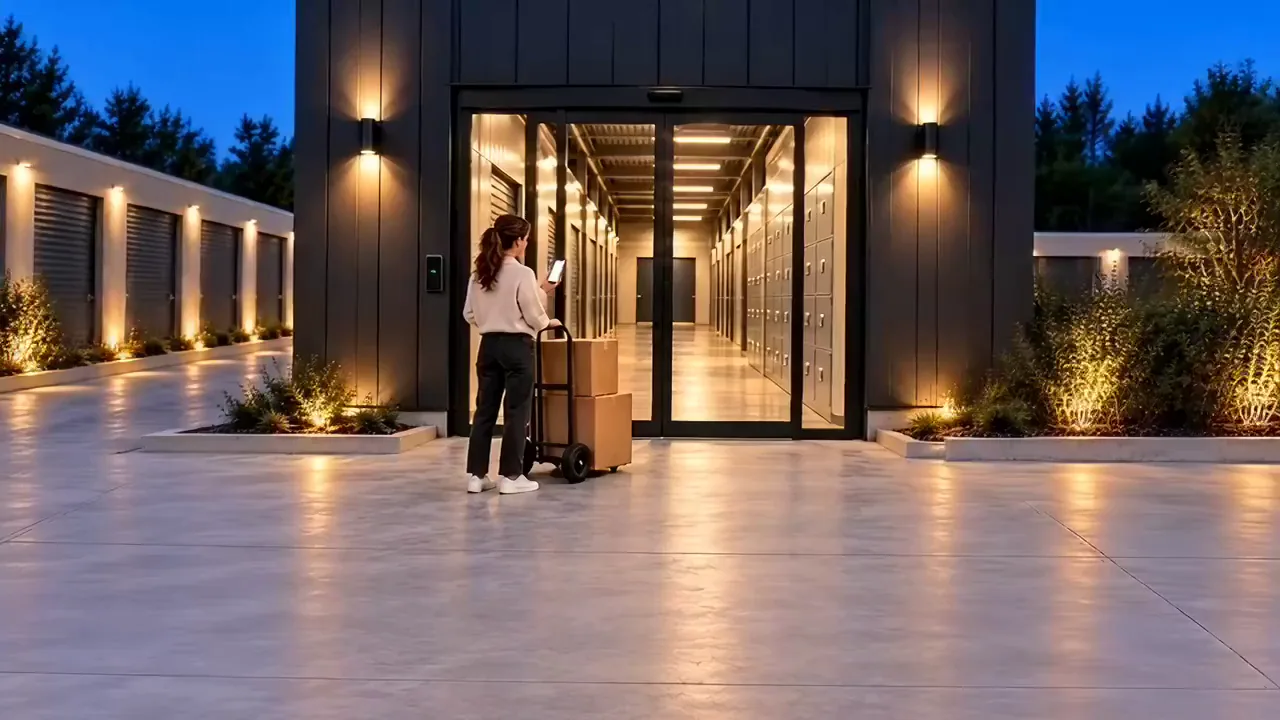
WIFIGATE use case
Every renter opens the facility gate, the building door, and their own locker from their phone, only during the hours you allow. When the rental ends, so does their access: no keys to collect, no codes to change.

No shared code that past renters still remember. Each renter gets their own access, and removing it takes a moment when the lease ends or a payment is overdue.

Allow entry only during the facility's opening hours, or give a renter a wider window. A mover or family member can get one-time access for a single day.

Every opening is logged with the user's name and the time, so questions about a visit are answered from the access history, not the security footage.
Instead of a shared code past renters still remember, each renter has access of their own.
Remove access the moment the lease ends or a payment is overdue, with no keys to collect.
Every renter opens the facility gate, the building door and, where installed, an electrically locked storage unit or locker.
Allow entry only during the facility's opening hours, or give a renter a wider window.
A mover or family member can get access for a single day, with no shared code and no key.
Every opening is logged with the user's name and the time, so visit questions are answered from the history, not the security footage.
Codes, keypads and keys that get copied and passed around give way to personal access on the phone.
The phone communicates directly with the device on site, with no monthly subscription for standard use.
From their phone, with personal access to the facility gate, the building entrance, and, where installed, an electrically locked storage unit or locker.
Yes. Allow entry only during opening hours, or give a renter a wider window; movers and family members can get one-time access.
You remove the renter's access right away. No keys to collect, no codes to change.
No. The phone communicates directly with the device on site, with no SIM card or internet connection at the door.