Set it once, it works every Shabbat
Mark a green "Gate open" event on Friday and on Saturday, and it repeats on its own every week. The schedule is stored and runs on the gate's own device, not on anyone's phone.
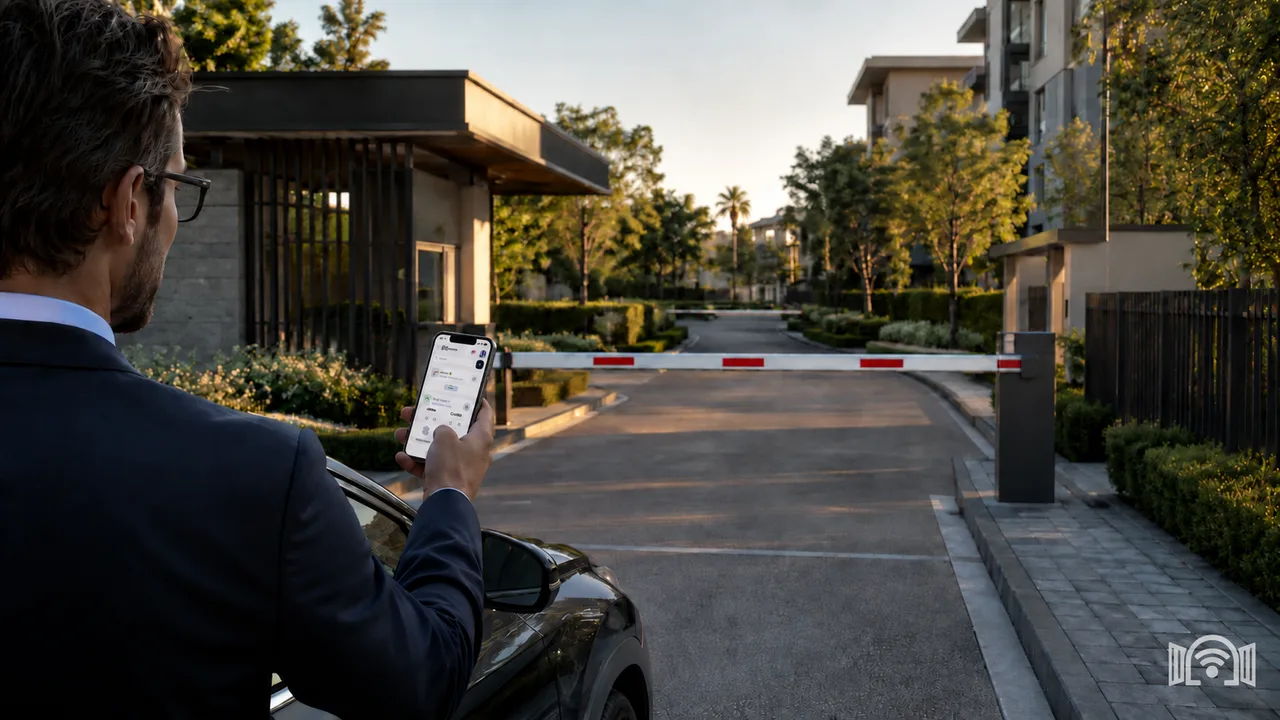
WIFIGATE scheduled events
Set in the app ahead of time when the gate stays open, for example from before Shabbat begins until after it ends, and the schedule repeats on its own every week. On Shabbat itself, nobody needs to press a remote, open an app or touch a button.
Mark a green "Gate open" event on Friday and on Saturday, and it repeats on its own every week. The schedule is stored and runs on the gate's own device, not on anyone's phone.
A holiday begins in the evening, like Shabbat, so you add one-time events for it in advance, up to 90 days ahead: on the eve until midnight, and on the holiday from midnight until it ends. That is how Rosh Hashanah, Yom Kippur, Sukkot, Simchat Torah, Passover and Shavuot go into the schedule, and each of these events clears itself once its date has passed.
There is no need for an extra timer in the electrical panel or next to the gate controller, and no technician visit to change the hours. Scheduling is built into WIFIGATE, the same system that opens the gate from your phone on weekdays, and outside the hours you set the gate works as usual.
A Shabbat clock for an electric gate is a schedule that holds the gate open, or closed, at set hours on Shabbat and holidays, so people can come and go without anyone operating it. In WIFIGATE the schedule is built into the device connected to your existing gate controller: you set up to 50 events in the app in advance, in 10-minute steps, and the device runs them on its own, with no internet at the gate and no monthly subscription. There is no separate "Shabbat mode" switch: you set it on the "Scheduled events" screen in the app.
Last updated:
Hours are set in 10-minute steps. If Shabbat ends after midnight where you are, add an event on Sunday from 00:00 as well.
Mark green "Gate open" events on Friday and Saturday, and the gate's device runs them on its own every week.
On Shabbat the gate stays open during the hours you set, and nobody needs to operate it.
Add one-time events for the eve and the holiday, up to 90 days ahead, and each clears itself once its date passes.
When the season changes, update the hours on the "Scheduled events" screen and save.
A red "Gate closed" event holds the gate closed during the hours you set, and a green event holds it open.
Outside the hours you set, the gate works as usual and opens from your phone, a remote or the button.
WIFIGATE connects to your existing gate or barrier controller, so no separate Shabbat timer is needed in the electrical panel.
The gate needs only power, your phone connects to the device directly, and you pay once for the device and installation.
| Events | Up to 50 in total, weekly and one-time |
|---|---|
| Time steps | 10 minutes |
| Holidays | One-time events on the eve and on the holiday, up to 90 days ahead |
| Open or closed | A green event holds the gate open, a red event holds it closed |
| Where the schedule lives | Stored and run on the gate's device |
| What the gate needs | Power only, no SIM, no router and no internet |
| Changing the hours | From the app, at the gate, no technician |
| After a power cut | The schedule is kept, and events run again once any phone connects to the gate |
| Payment | Once, for the device and installation, no monthly subscription |
No. The schedule is stored and runs on the gate's device, so on Shabbat nobody needs to open an app, press a remote or touch a button. What happens after a power cut is explained in a separate question below.
WIFIGATE does not give halachic rulings and does not present any halachic approval. Technically, the hours are set before Shabbat, and on Shabbat itself the schedule runs on the device with no action by anyone. For halachic questions about your gate, such as the gate's sensors or walking through it, consult a rabbi.
Yes. A holiday begins in the evening, like Shabbat, so you add a one-time event on the eve until midnight and a one-time event on the holiday from midnight, up to 90 days ahead. Each of these events runs only on its date, and the two touch at midnight, so the gate stays open without a break. A holiday next to Shabbat is built the same way, day after day. A one-time event cannot overlap the weekly event of the same day, so it covers only hours the weekly event does not.
No. WIFIGATE does not calculate candle-lighting or Shabbat end times: the hours you set stay the same every week until you change them. In Jerusalem, for example, candle lighting moves from about 16:00 in winter to about 19:10 in summer, so you update the hours when the season changes, or set one wide range that suits the whole year.
The schedule is stored on the device and is not erased. The device has no clock battery, so after the power returns, events do not run until any phone connects to the gate in the app and sets the time. Until then the gate works as usual and is not held open, even if the power cut happened during Shabbat. If there was a power cut before Shabbat, have someone connect to the gate before it begins.
The device gets the time, and the summer or winter time change, from the phones that connect to it. Until any phone connects after the change, events may run an hour early or late. In Israel summer time starts early on a Friday morning, so on that day have someone open the gate from the app before Shabbat.
No. During an event, open commands from the app are refused and the gate stays in the state that was set. The technician button on the device overrides the event, for example in an emergency. Outside events the gate works as usual.
Yes. A red "Gate closed" event holds the gate closed during the hours you set, and a green event holds it open. Events never overlap, so you divide the day into open hours and closed hours, up to 50 events in total.
WIFIGATE connects to your existing gate or barrier controller, so no separate timer is needed in the electrical panel, and outside events the gate keeps working from the remotes and the button. To check compatibility with your controller, send us the gate's details on WhatsApp.
No. The schedule is stored and runs on the gate's device with no internet, no SIM card and no router. The phone connects to the device directly, so you set the events while you are at the gate.
Residential buildings and their committees, property managers, neighborhoods and communities with an electric gate or parking barrier, synagogues and institutions, and any property where the gate needs to stay open on Shabbat and holidays. In a shared building, agree on the hours with the residents or the building committee.
You pay once for the WIFIGATE device and installation, with no monthly subscription or recurring charges, and scheduled events are included. For a quote, send us a message on WhatsApp.